

Progress Tracking
Progress Photos
Capture private progress photos on a consistent schedule and compare them in the Progress timeline alongside other measurements.
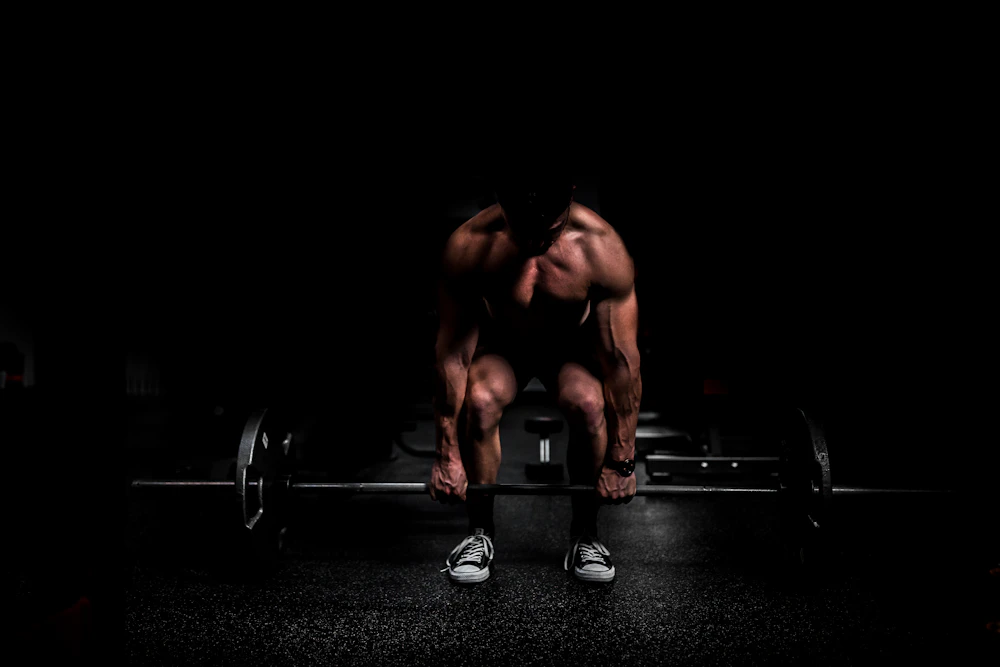
How to use Progress Photos
Follow these practical checks to use the feature reliably and understand the data it shows.
Capturing consistent photos
Use similar lighting, distance, clothing, and time of day. Consistency makes comparisons more useful than image quality alone.
Viewing photo timelines
Open Progress Photos to review entries chronologically. Use dates and notes to add context instead of relying on memory.
Managing private media
Progress photos are sensitive data. Protect your device account, review any cloud-sync state, and delete photos you no longer want retained.
Still stuck? Check the broader Help Centre or contact support with the screen, app version, and steps that led to the issue.
Open Help Centre